DJI Enterprise Official Partner
Drones/Software/DJI FlightHub 2
DJI · Fleet management platform

FlightHub 2

Your whole fleet, in one browser.

Remote control, flight planning, AI that detects and alerts, mapping and automation. On DJI’s cloud or entirely inside your organisation with the AIO appliance.

Virtual cockpit

Fly with a mouse and keyboard.

From the office, with no pilot on site. Mouse camera control, drag-to-zoom, and many drones at once with automatic swaps and one-click return for all.

  • Many drones, one screenLive video from many drones and docks at once, in any layout.
  • AR on the feedStreets, buildings and team markers appear on top of the live video.
What it does

From command to report.

17

Built-in AI algorithms

Detects and counts vehicles, vessels, smoke and fire, follows the target and alerts with sound. With a language model, search for anything by typing or showing a photo.

FlyTo

One click on the map

Point to the spot, the platform plans the best route and the drone gets there on its own, safely.

3D

Routes on a 3D model

Waypoints, linear routes for rivers and roads, patrols and area mapping. What you design is what flies.

QR

Live video for everyone

Send a link or QR code and the agency that needs it watches instantly on a phone. Map markers sync across the team.

Automation

Capture, model, report. On its own.

Drag and drop the workflow: when it flies, what it captures, how the 2D or 3D model is built, what it measures and who gets the report. Ideal for construction sites and recurring inspections.

  • Compare with the designImport PDF or DXF and see it on the real model, with length, area and volume measurements.
  • Weather alertsIn rain or strong wind the platform warns before the mission or the equipment is at risk.
Plans

Choose how you run it.

On DJI’s cloud with a yearly subscription, or inside your organisation with the AIO appliance. We help you choose based on your fleet and security needs.

Cloud

Professional

DJI FlightHub 2 Professional Version (12-Month Plan)

For teams starting out with drones and pilots.

  • Unlimited users and devices
  • 2,000 minutes of live video per month
  • 500 GB cloud storage
  • 3,000 images of mapping per month
  • Term 12 months
Ask for a quote
Cloud

Enterprise

DJI FlightHub 2 Enterprise Version 1 Year (1 Device)

For docks that fly every day. Licensed per device.

  • Live video with no time limit
  • Storage with no limit
  • 150,000 images of mapping per year
  • OpenAPI and third-party integration
  • Term 1 year, for 1 device
Ask for a quote
On your premises On-Premises

AIO Combo

DJI FlightHub 2 AIO Combo (Overseas Standard)

An appliance with FlightHub 2 pre-installed. Your data never leaves your organisation.

  • Up to 20 devices per AIO
  • Live video, storage, mapping with no limit
  • 3D models locally, on its own GPU
  • Works even offline
  • Your own logo and login page
Ask for a quote

Plan limits come from DJI and may change. The exact configuration is confirmed with the quote. Binding devices for the first time also grants a free quota of live video, mapping and storage.

DJI FlightHub 2 AIO

The whole platform in one appliance.

For public agencies and companies that want their data only on their own premises. Plug in power and network and start.

Ready out of the boxWith FlightHub 2 On-Premises, local modelling and enhanced 4G transmission pre-installed.
3D model in 5 minutesWith a GPU and the DJI Terra engine, it builds a 3D model from 500 images in about five minutes.
Even in a vehicleWithstands vibration in transport and works offline. With Dock 3 it becomes a mobile operations centre.
24/7 on your networkMultiple network ports for stable operation in your existing server room, with single sign-on (OAuth 2.0).
Security & integrations

Certified and open.

ISO 27001 & 27701

Certified for information security and privacy. Data for users outside China is hosted on AWS in Europe and the US.

Roles, SSO, MFA

Permissions per project and role, single sign-on with your organisation’s accounts and two-factor authentication.

OpenAPI & FlightHub Sync

Connect to your own systems with no code or via API, and forward video over RTMP/RTSP to VMS and control rooms.

Technical specifications

Specifications

Platform6
Type
Cloud platform for drone operations, with On-Premises and AIO editions
Access
In a web browser, and in the field through the DJI Enterprise app
Data hosting
Amazon Web Services in the U.S. and Europe (for users outside China)
Certifications
ISO/IEC 27001:2022 · ISO/IEC 27701:2019
Sign-in
Single Sign-On (SSO) and multi-factor authentication (MFA); OAuth 2.0 on On-Premises
Permissions
Roles and permissions per project
Supported devices5
Docks
DJI Dock 4, Dock 3, Dock 2, Dock
Drones
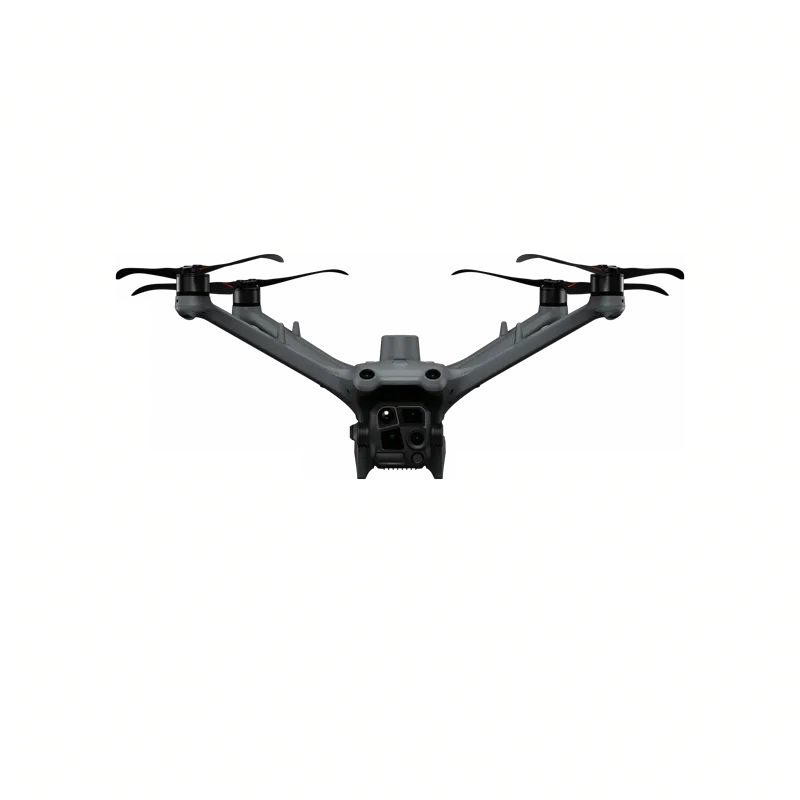
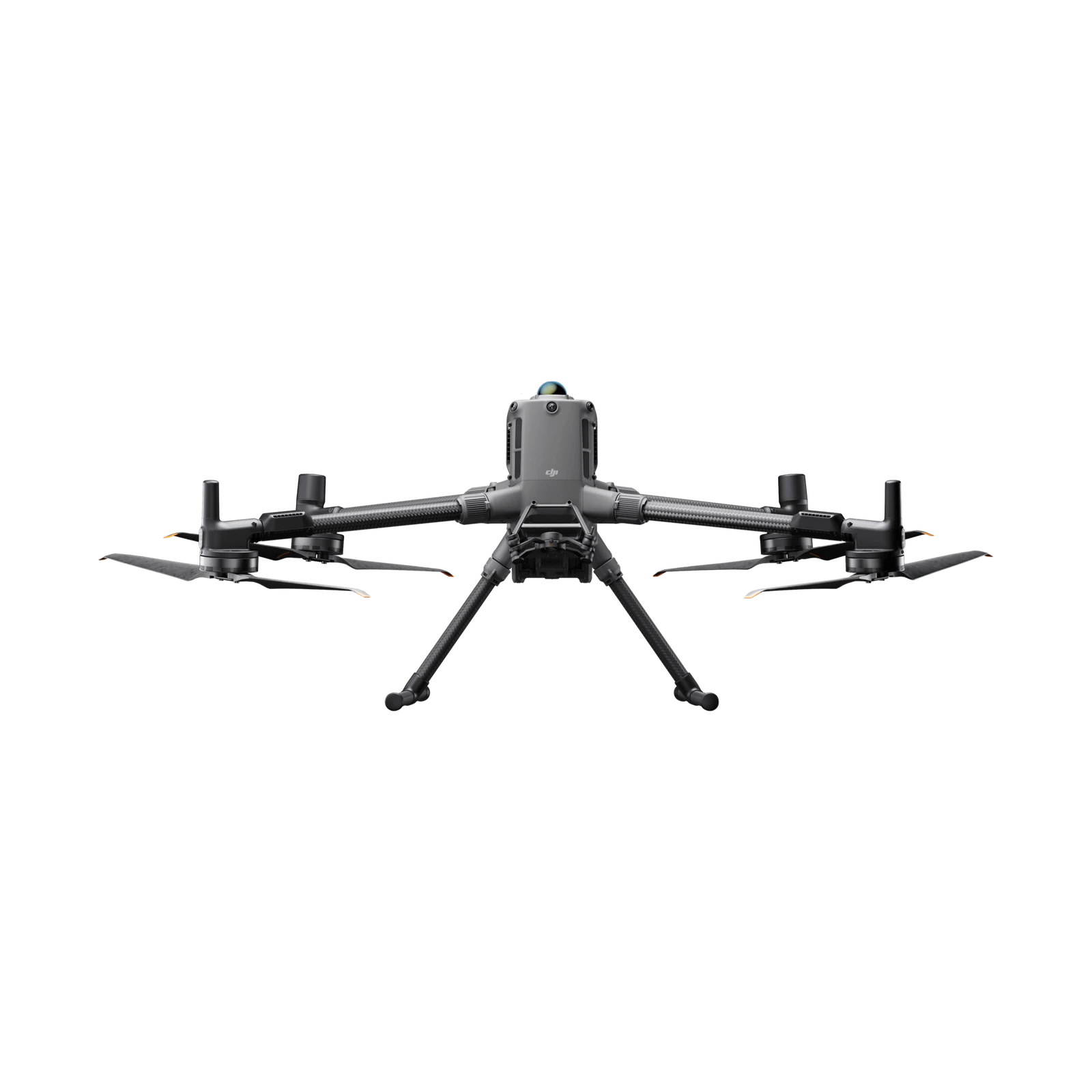
Matrice 400, Matrice 350 RTK, Matrice 30 Series, Matrice 4 Series, Matrice 4D Series, Mavic 3 Enterprise Series (excluding Multispectral)
Payloads
Zenmuse H30 Series, Zenmuse H20 Series, Zenmuse S1, Zenmuse V1
Algorithms on the drone
DJI Dock 3, Matrice 4 and 4D Series, Matrice 400 and later models
Air traffic
ADS-B and Remote ID via the DJI O4 Ground Station or a compatible receiver
Features7
Remote control
Virtual Cockpit with mouse and keyboard, Mouselook, synchronized multi-drone control and one-click Return-to-Home for all
Incident dispatch
FlyTo with automatic route planning; automatic or manual dispatch when an alert comes in
AI
Object detection, counting and tracking; VLMs in planned tasks; Copilot that turns plain-language goals into drone instructions, always with human confirmation
Mapping
2D and 3D, real-time or from media files; up to 2,000 images per task; panoramas up to 500 MP with Matrice 4 and 4D
Flight safety
GEO Zones, task areas, No-Landing Zones and obstacle data; alerts for heavy rain and strong wind
Flight logs
Full logs of dock flights and remote missions, one-click report export
Integrations
RESTful OpenAPI; code-free FlightHub Sync; DJI Cloud API
Cloud plan quotas4
Dock camera livestream
30,000 minutes (1-year plan, 1 device) · 100,000 minutes (3-year plan, 1 device)
Mapping images
150,000 (1-year plan, 1 device) · 500,000 (3-year plan, 1 device)
Cloud storage
500 GB for the validity period
Add-on packs
Livestream minutes, mapping images and storage, each valid for one year
On-Premises5
Deployment
On physical servers, on virtualization or hybrid cloud, or on public cloud; no-code one-click installation
Isolation
Runs in a completely isolated intranet
Devices
Up to 200 per installation; up to 20 per AIO; +5-device expansion packs
3D modeling
Optional Cloud Modeling Module on the DJI Terra engine; requires an NVIDIA card with compute capability 6.1 or above
Updates
Main features aligned with the cloud version; 1 year of free upgrades, extendable per year and device
FlightHub 2 AIO · General4
Product Name
DJI FlightHub 2 AIO
Weight
Main Unit: 3.008 kg
Power Supply: 1.05 kg
Dimensions
223×87×202 mm (L×W×H)
Software System
Pre-installed with DJI FlightHub 2 On-Premises
FlightHub 2 AIO · Hardware8
Processor
Intel® Core™ Ultra 7 Processor 265
Memory
64 GB
Storage
3 × 2TB SSDs: 1 for system, 2 for data (RAID 1 data mirroring)
Graphics Card
NVIDIA RTX™ 2000 Ada
Front Input/Output
USB-A: 1 × USB 3.2 Gen 2 (10 Gbps, 4.5 W)
USB-C: 2 × USB 3.2 Gen 2 (20 Gbps, 15 W)
Audio: 1 × Combo audio/microphone jack (3.5 mm)
Rear Input/Output
USB-A: 4 × USB 3.2 Gen 2 (10 Gbps, 4.5 W)
DisplayPort: 3 × DP 1.4
Ethernet: 1 × 1 GbE (RJ45)
Onboard Ethernet
Controller: Intel® Ethernet Connection I219-LM
Port: 1 × RJ45
Speed: 10/100/1000 Mbps adaptive
Functions: PXE, ASF, WOL, Jumbo Frames, Teaming
Management: Intel® Active Management Technology (AMT) 16.x
Expansion Ethernet
Wired:
4 × 10/100/1000Mbps adaptive Ethernet ports (RJ45)
Wireless:
IEEE 802.11 be
IEEE 802.11 a/b/d/e/g/h/i/k/n/r/u/v/w/ac/ax
FlightHub 2 AIO · Power4
Rated Power
330 W
Operating Voltage Range
100-240 V
Rated Voltage Range
AC 90-264 V
Rated Input Current
4.5 A
FlightHub 2 AIO · Operating Environment4
Operating Temperature
Recommended Operating Temperature: 10° to 35° C (50° to 95° F)
Maximum Operating Temperature: -33° to 63° C (-27.4° to 145.4° F), up to 4 hours of continuous stable operation
Storage Temperature
In Original Shipping Carton: -40° to 60° C (-40° to 140° F)
Without Carton: -10° to 60° C (14° to 140° F)
Operating Humidity
10% to 90%
Vibration
Package Vibration:
Three axes in use orientation (X, Y & Z-axis),1.04 Grms, 2-200 Hz, 15 min/axis, random, packaged for shipment
Operating Vibration:
0.27 Grms, 5-500 Hz, 30 min/axis, X, Y, Z axes
Non-Operating Vibration:
1.04 Grms, 2-200 Hz, 15 min/face, six faces
FlightHub 2 AIO · Accessories3
Power Cable
China: China, Australia, New Zealand, etc.
EU: Most European countries (except Italy and Switzerland), South Korea, etc.
US: USA, Canada, Japan, Chinese Taiwan, etc.
UK: UK, Ireland, UAE, Singapore, Malaysia, Chinese Hong Kong, Chinese Macau, etc.
Keyboard
1 unit
Mouse
1 unit
FlightHub 2 AIO · Regulations & Standards1
Certification Marks
USA - FCC
Canada - IC
USA/Canada - cTUVus
Japan - VCCI
Chinese Taiwan - BSMI
Korea - KC
Australia/New Zealand - RCM
Germany - TUV-GS
General - IEC60950-1&IEC62368 CB Report/Certificate
UAE - EQM
Kuwait - KUCAS
China - CCC Mark/SRRC
South Africa - SABS
Belarus/Kazakhstan/Kyrgyzstan/Armenia - EAC
Morocco - CM
Mexico - NOM
Serbia - KVALITET
India - BIS
Indonesia - SDPPI
Malaysia - SIRIM
Philippines - NTC
EU - RED 3.3

Source: DJI, enterprise.dji.com/flighthub-2 and /fh2-on-premises. Features and quotas depend on the plan and version. Official page ↗

Before you buy

Frequently asked questions

Which editions are there?

In the cloud in three plans (Standard, Business, Enterprise) and On-Premises on your own servers, either software-only or as a ready appliance (AIO).

How do the plans differ?

Standard is free, with basic features and limits. Business has every professional feature with no device limit and resources topped up with add-ons. Enterprise is for heavy use and public bodies, with near-unlimited resources and a cap on devices online at the same time.

Which devices does it support?

DJI Docks, the Matrice 400, Matrice 350 RTK, Matrice 30, Matrice 4 and Matrice 4D, the Mavic 3 Enterprise and the Zenmuse H30, H20, S1 and V1 payloads.

Does it work with other makers' drones?

No. For mixed fleets there is FlytBase.

Where is the data stored?

For users outside China on Amazon Web Services servers in Frankfurt or Virginia, USA. With On-Premises it stays on your own servers.

What do I need to use it?

A browser on Windows, Mac, Android or iOS, ideally Google Chrome 92 or later, and a connection of at least 50 Mbps.

Is anything included when buying DJI equipment?

Yes. When a dock or drone is first linked, the organisation receives once 100 GB of storage, 5,000 livestream minutes and 3,000 mapping images, valid for 3 months.

If storage expires, is my data deleted?

No. You cannot add new data, but everything already there stays available.

Based on DJI’s official FAQ, in our own words. Official page ↗

Supported equipment

Works with our fleet.

See FlightHub 2 in action.

Book a demo and we will show how it works with your own equipment, in the cloud or on the AIO.
Request a demo