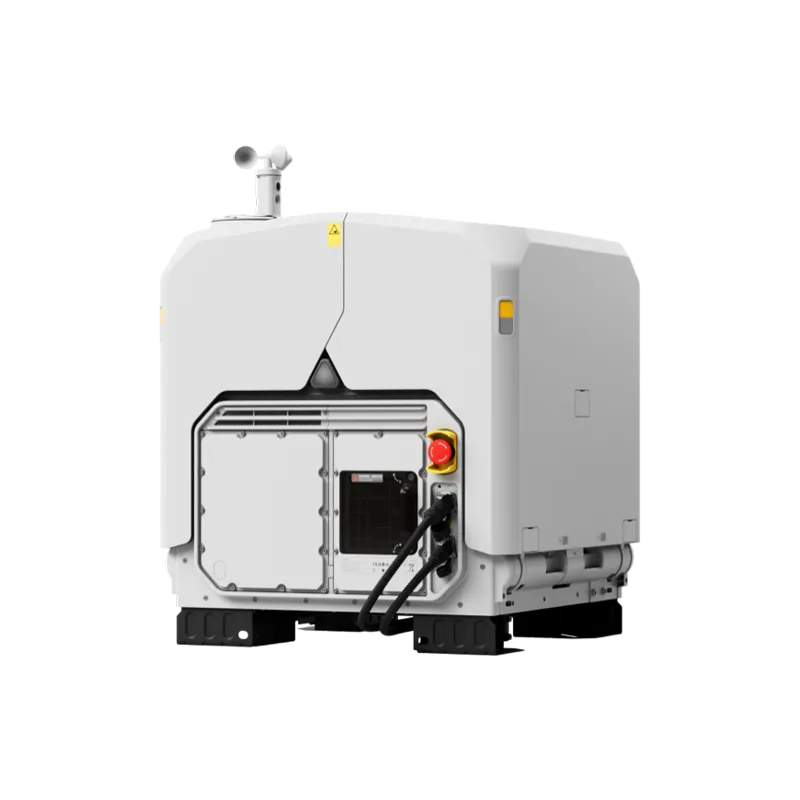
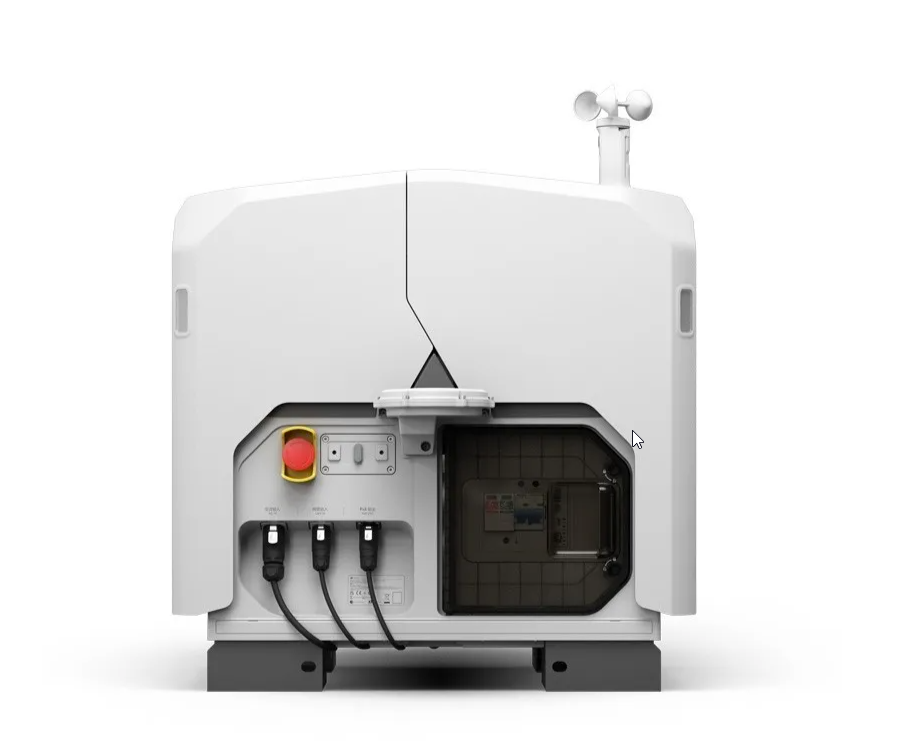
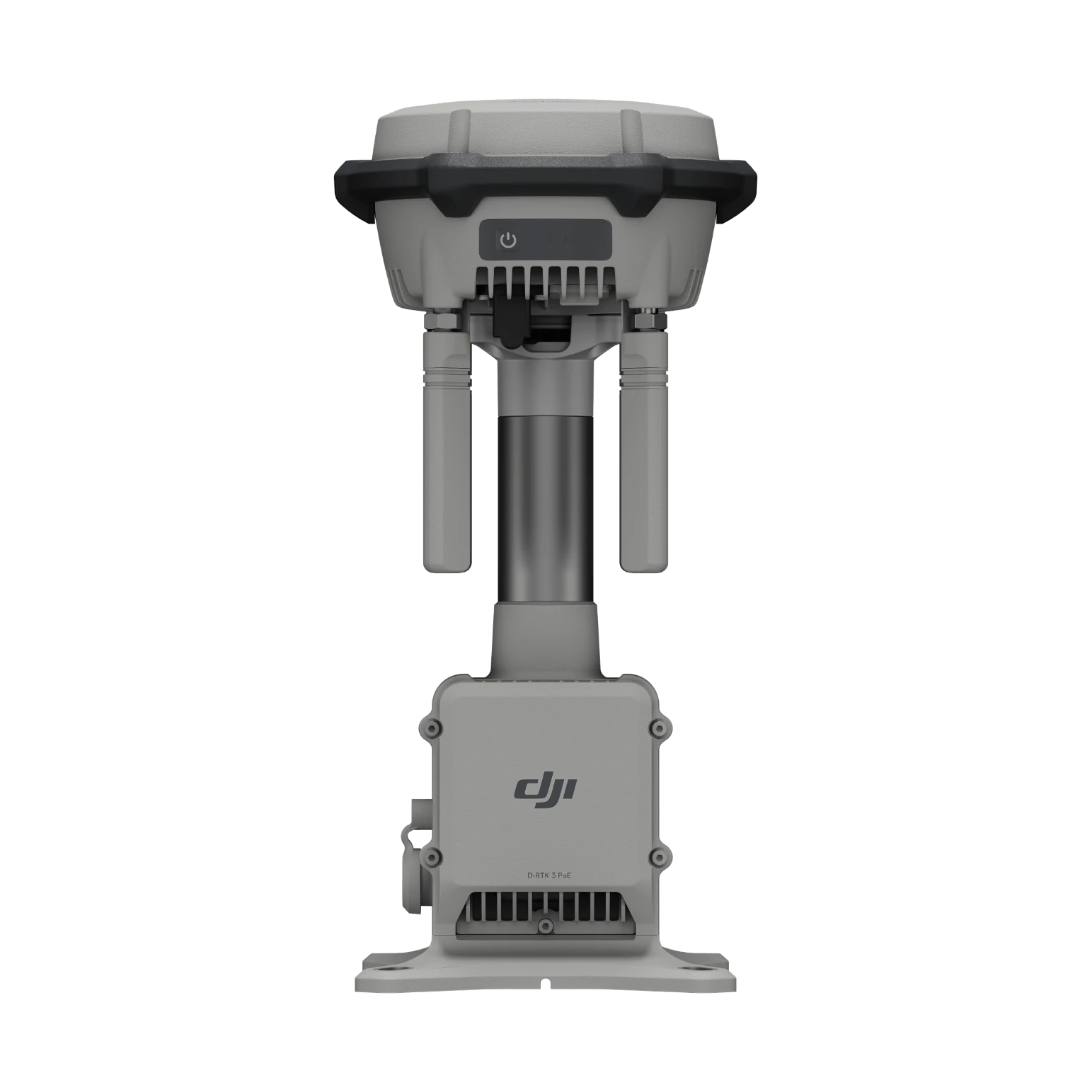
Relay
At difficult sites, the station on high ground holds the signal.

The link that keeps the dock flying.
Mounted high, on a roof or mast, it keeps the drone’s video and control stable in cities, mountains and industrial sites. Required for DJI Dock 4.
The drone hands over from one station to the next without dropping video, so a whole city or large site is covered.
At difficult sites, the station on high ground holds the signal.
The dock fits even next to high-rises.
Source: DJI’s official specifications, as published by the manufacturer. Values were measured in controlled conditions. Official page ↗
Gateway: connects to DJI FlightHub 2 over Ethernet or 4G and relays video for Dock 4 and Dock 3 drones. Relay: no internet needed; set up high, it keeps the link between drone and controller or dock over obstacles.
As a gateway with the DJI Dock 4 and Dock 3. As a relay with the Dock 4 and Dock 3, the Matrice 400, the Matrice 4E/4T and the Matrice 4D/4TD (with DJI RC Plus 2 Enterprise).
Up to 40 km with the Matrice 5TD (Dock 4) or Matrice 400, and up to 30 km with other drones. In relay mode the controller or dock should be within 1 km (3 km max).
One at a time. Several docks or controllers can share it one after another.
A backup battery keeps it running for about 45 minutes as a gateway and 30 minutes as a relay, and it restarts by itself when PoE power returns.
When the Ethernet cable enters through the included sealed connector and is outdoor-rated Cat 6 or better, all covers are fitted and the screws of unused ports are tightened.
The D-RTK 3 Relay only relays for the Dock 3. The O4 Ground Station also works as a gateway, supports the Dock 4, the Dock 3 and many drones, adds the sub2G band, draws only 7 W on standby and connects IP cameras (ONVIF, GB/T 28181).
Yes, ONVIF and GB/T 28181 cameras with H.264 encoding, so their video shows in DJI FlightHub 2.
Based on DJI’s official FAQ, in our own words. Official page ↗
Fill in the form and an ADESCO advisor will contact you within one business day.